

Email is often the starting point of business communication.
Customers send enquiries, suppliers share documents, employees exchange information, and teams coordinate everyday activities through their inboxes.
However, when email operates separately from the rest of a company’s systems, important information can become scattered across different applications.
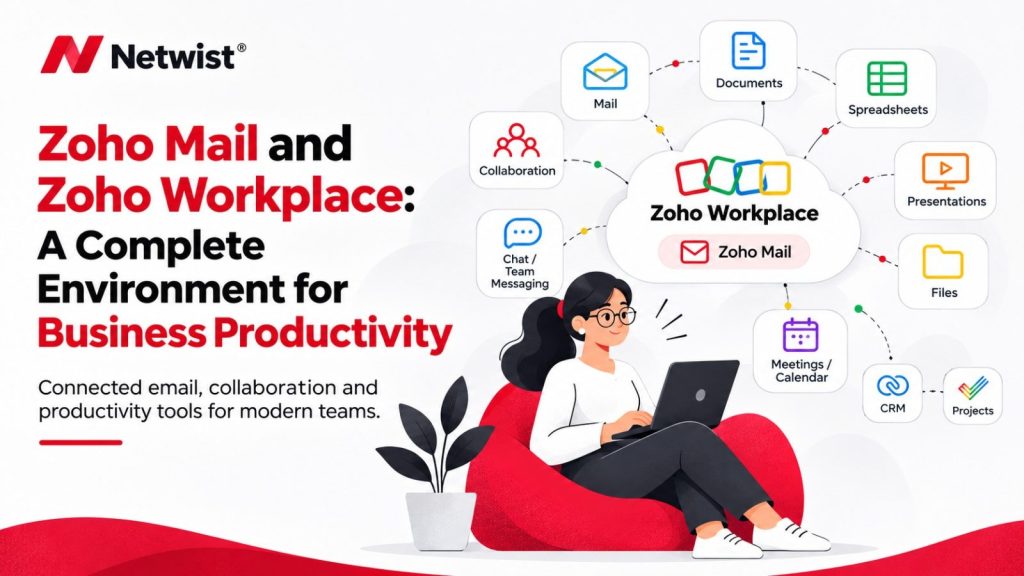
The Zoho ecosystem provides businesses with the opportunity to connect email with other tools that support daily operations.
Connect Email with Zoho CRM
Customer communication often contains valuable information about requirements, opportunities, and previous interactions.
Zoho CRM helps businesses organise customer records, sales activities, and business relationships.
When email and CRM are connected through supported integrations, teams can work with communication and customer information in a more organised way.
This can make it easier to understand the history of a customer relationship and manage follow-up activities.
Organise Meetings with Zoho Calendar
Meetings, appointments, and deadlines are important parts of business operations.
Calendar tools help employees manage schedules and coordinate availability.
Connecting email and calendar workflows can make it easier to organise invitations, appointments, and business communication.
Clear calendar practices also help teams avoid scheduling confusion.
Manage Business Files with Zoho WorkDrive
Businesses create and exchange documents every day.
Proposals, reports, presentations, contracts, and other files need to be stored and organised appropriately.
Zoho WorkDrive provides a platform for managing and collaborating on business files.
Combined with organised email practices, it can help teams manage documents and shared resources more effectively.
Organise Customer Support with Zoho Desk
Customer enquiries and technical requests can quickly become difficult to manage through a shared inbox alone.
Zoho Desk is designed to help businesses organise customer support through ticket management, assignment, and tracking.
Depending on the configuration, email can be used as a channel for receiving and managing support requests.
This creates a more structured way to monitor customer issues and follow their progress.
Connect Business Processes Through Automation
The wider Zoho ecosystem also provides opportunities for connecting applications and automating workflows.
For example, a business may configure a process in which a website enquiry creates a customer record or triggers a notification.
The available options depend on the applications, plans, and integrations selected.
Build Your Zoho Environment Gradually
A connected business environment does not require adopting every Zoho application.
Start with the areas where your business needs the most improvement.
You may begin with Zoho Mail and later introduce CRM, Desk, WorkDrive, or other tools when they provide a clear benefit.
This gradual approach helps businesses manage costs, improve adoption, and avoid unnecessary complexity.
Final Thoughts
Zoho Mail can become part of a wider business environment that supports communication, customer management, file organisation, and collaboration.
Netwist helps businesses explore the Zoho ecosystem and identify the applications and integrations that best match their requirements.
Want to connect your business tools? Talk to a Netwist Zoho Authorized Partner